Users, Access and Visibility Controls
Setup your employees and who is going to do what.
Employees
You can provide an employee, a customer, or a partner user with access to Logsteer by creating Employee record.
To add a new employee, click on a New employee button and fill-in:
| Field | Description |
|---|---|
| First name | This is employee real first name. |
| Last name | This is employee real last name. |
| This is also login username. | |
| Password | Minimum is 8 characters, at least one small letter, one capital letter and one number. |
| Responsibilities | Needs at least one Responsibility assigned. |
| Position | Needs exactly one Position assigned. |
About access control
Access control is the term used to describe the set of Logsteer mechanisms that control user access to data and application functionality.
Access control elements include the following:
- Application-level access control. The set of screens that a user has access to are determined by the Modules or Tiers that your company has purchased.
- View-level access control. Within the available Views, you can control the Views that are available to a particular Employee through Responsibilities. A Responsibility defines a collection of Views that represent the data and functionality required to perform a job function.
- Record-level access control.You can control data records that each Employee can see through a variety of mechanisms, including direct record ownership by a Employee, being on a team working with the record, or being a member of the same organization as the record owner. This is all done through Positions.
Responsibilities
A Responsibility corresponds to a set of Views. Each Employee must be assigned at least one Responsibility. When you assign Responsibilities to a Employee, the employee has access to all the Views contained in all of the Responsibilities assigned to the employee.
Positions
A Position is a job title in a organization. A Position hierarchy represents reporting relationships among Positions. Positions provide an appropriate basis for access control in many scenarios, because a Position in an organization is typically more stable than the individual's assignment to the Position.
You can associate a single Position to data. For example, in the My Orders view, an Employee(user) logged in using a particular Position can see only the Orders associated with that position. Some other views that apply Position access control are My Accounts and My Tasks.
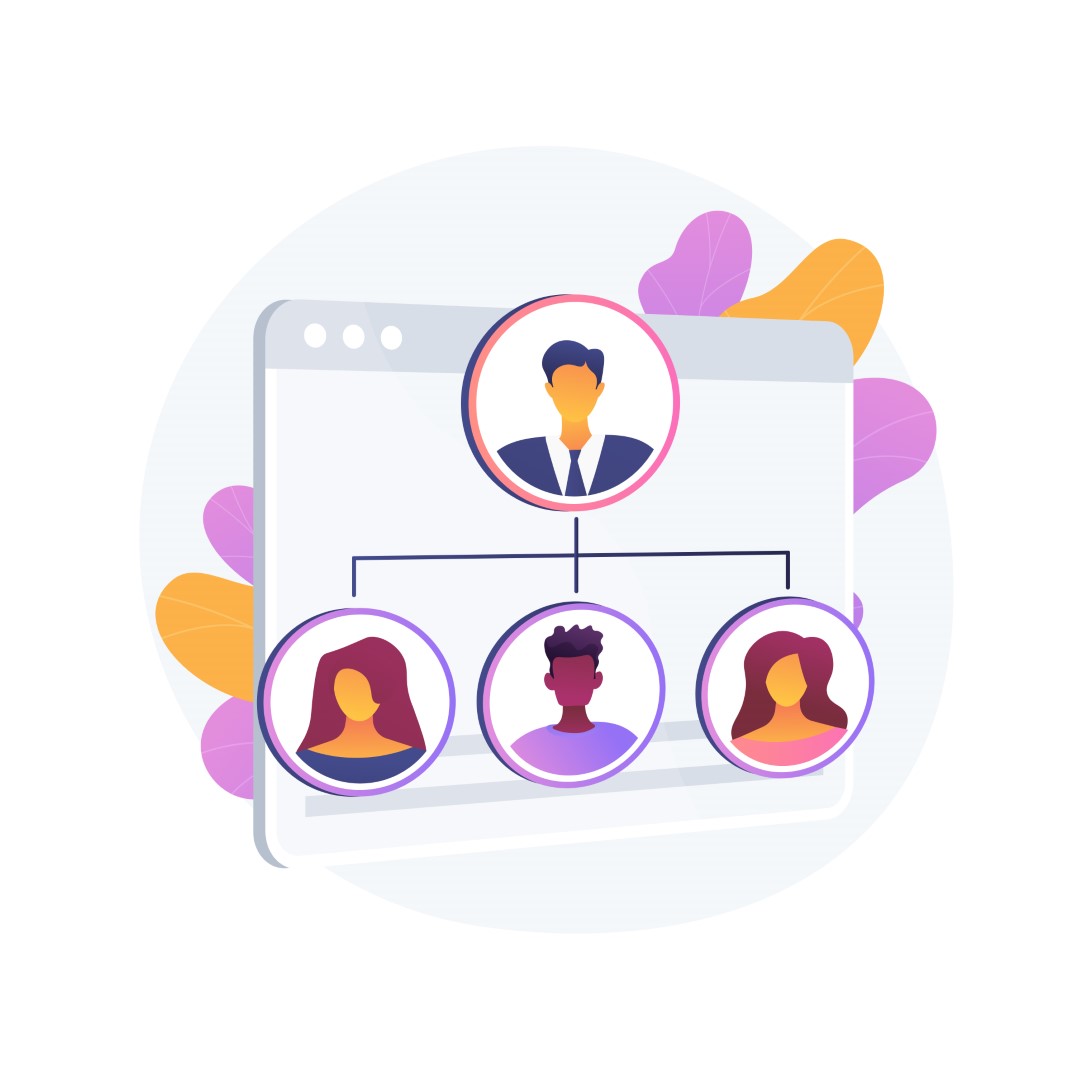
You can indirectly associate a Position with data associated with subordinate Positions in a reporting hierarchy. Manager-subordinate relationships are determined from a position hierarchy.
You can specify one parent Position for a Position, which represents that the Position is a direct report to the parent. For example, in the My Team's Orders View, an Employee with a particular Position can see Orders associated with that Position and Orders associated with subordinate Positions.