Notifications
Never miss anything.
About Notifications
Notifications are shown in upper-right corner of the app screen.
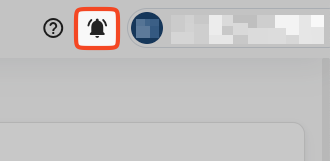
Bell icon will show number of unread messages. Once clicked, it opens a menu listing notifications in ascending order.
Notifications are raised in following cases:
- Task is assigned to you by someone else
- Task is created by the Order Flow manager and needs to be assigned and taken-over
- Alarm time is reached on Task that you are assigned to
Working with Notifications
To list all Notifications, click on the Bell icon in the upper-right corner.
Here is what you can do:
- Clicking on the Trash bin icon will clear all notifications
- Clicking on a Notification will navigate you to corresponding Task